
Beat the Clock
A quick math race your child can choose after practice. The only score to beat is their own.
Speed and confidence, one race at a time
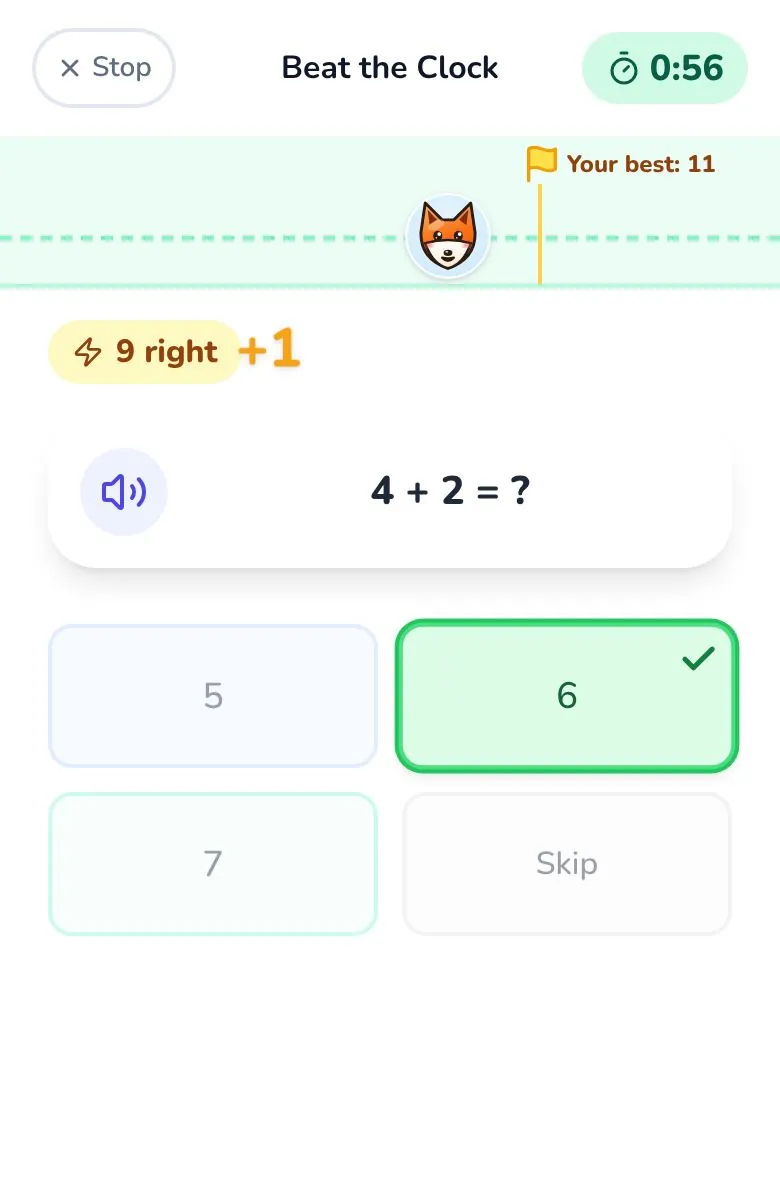
Knowing math facts quickly makes every bigger problem easier, and it feels great. Beat the Clock turns that kind of practice into a game your child will want to play. They pick how long and how hard, then answer as many as they can.
Their club animal runs toward a flag at their best. There's no one else on the track, so every child races only themselves.
Fun, without the pressure
Some kids find timed math stressful. That's common, and it's possible to address. Here's how a race stays fun.
Always their choice
Beat the Clock is something your child chooses, never something they have to do. Practice itself never has a clock. Some kids love a race and some don't, and you can turn it off for any child in Settings.
Math they already know
Every race uses math at or below your child's level. Easy and Just right are review, and Tricky is what they're learning now. Nothing above their level, so a race builds speed on what they already understand.
Only their own best
No leaderboard, and no one else's score, ever. Your child sees only their own record for each kind of race, and the fun is in beating it. A race that doesn't beat their best still gets a cheer from Bobby.
Gentle to the very end
If time runs out partway through a question, your child still gets to finish it. A wrong answer shows the right one before moving on. There's no red on the screen, no buzzer, and no sad sound.
How a race goes
1. Practice first, then race
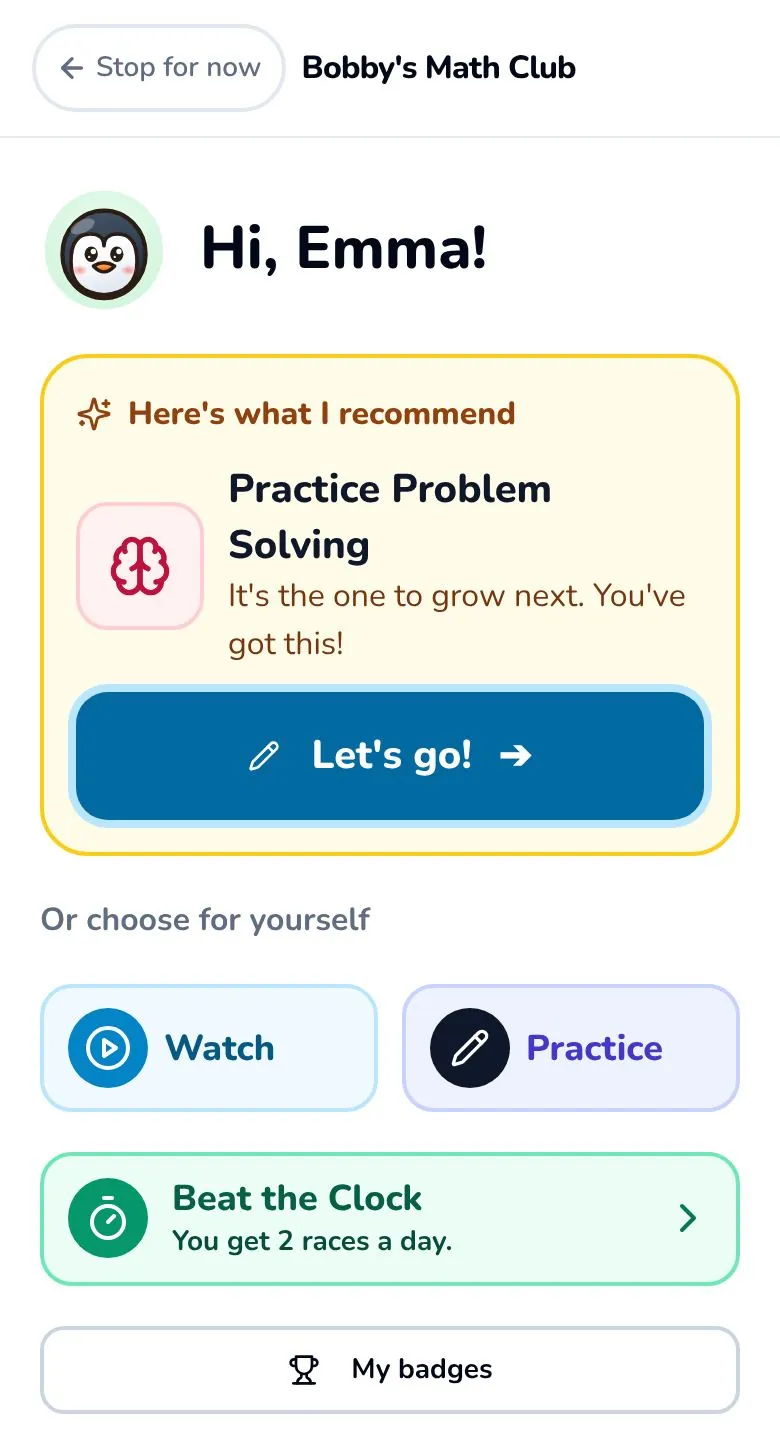
Beat the Clock unlocks once your child finishes the day's practice or watches one of our videos. The race comes after the learning, as a treat.
2. Pick a race
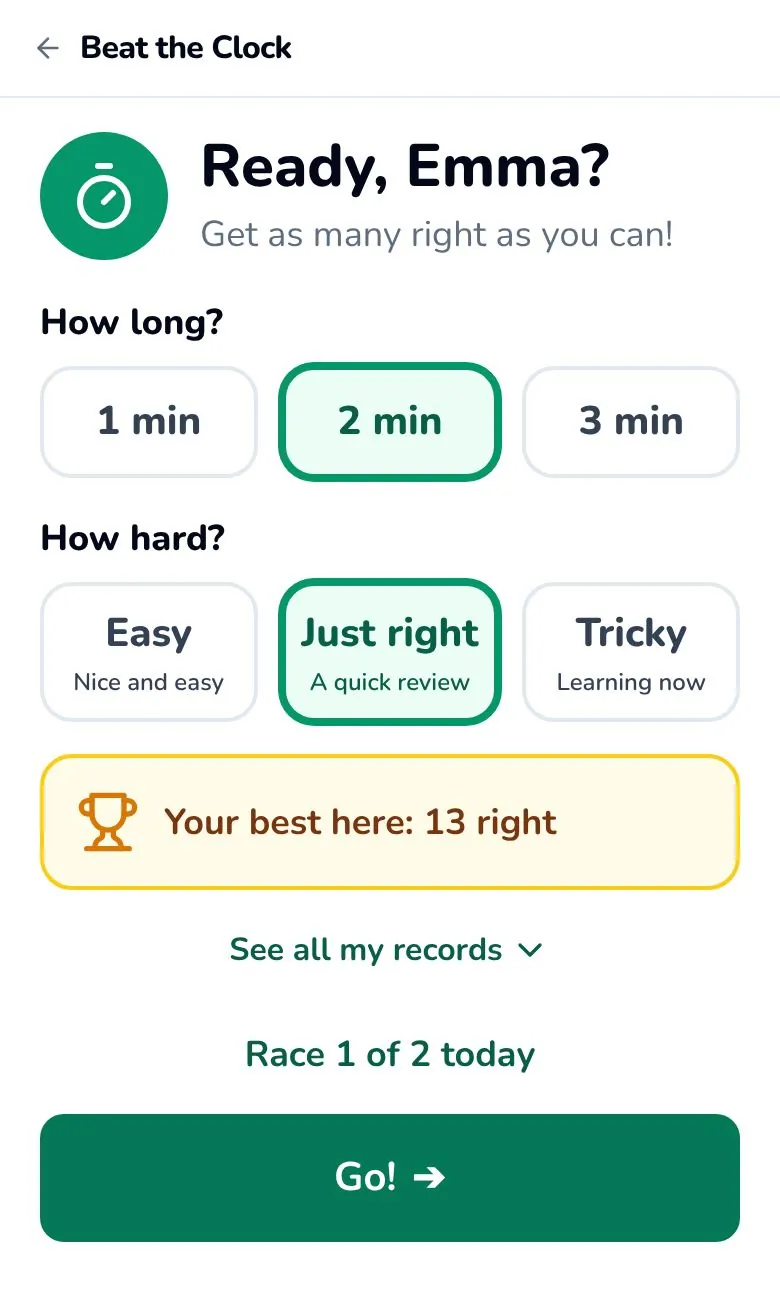
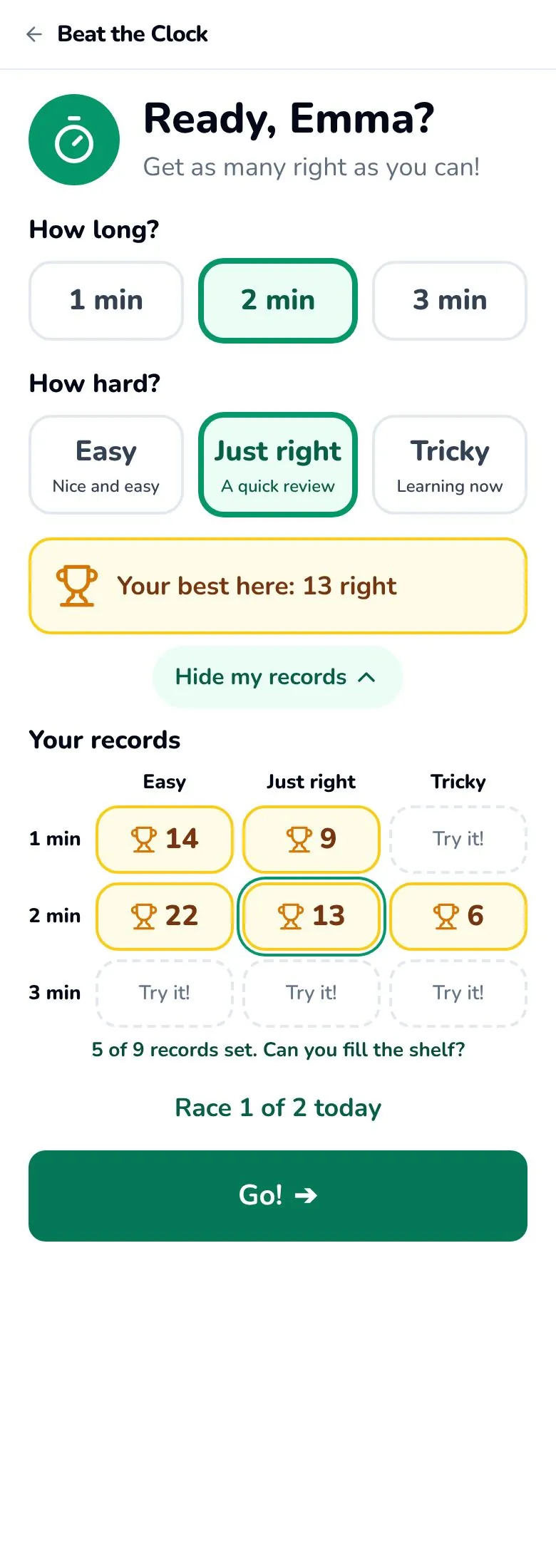
Your child chooses 1, 2, or 3 minutes, and Easy, Just right, or Tricky. The screen shows their best for that race, so they know the number to beat.
3. Ready, set, go!
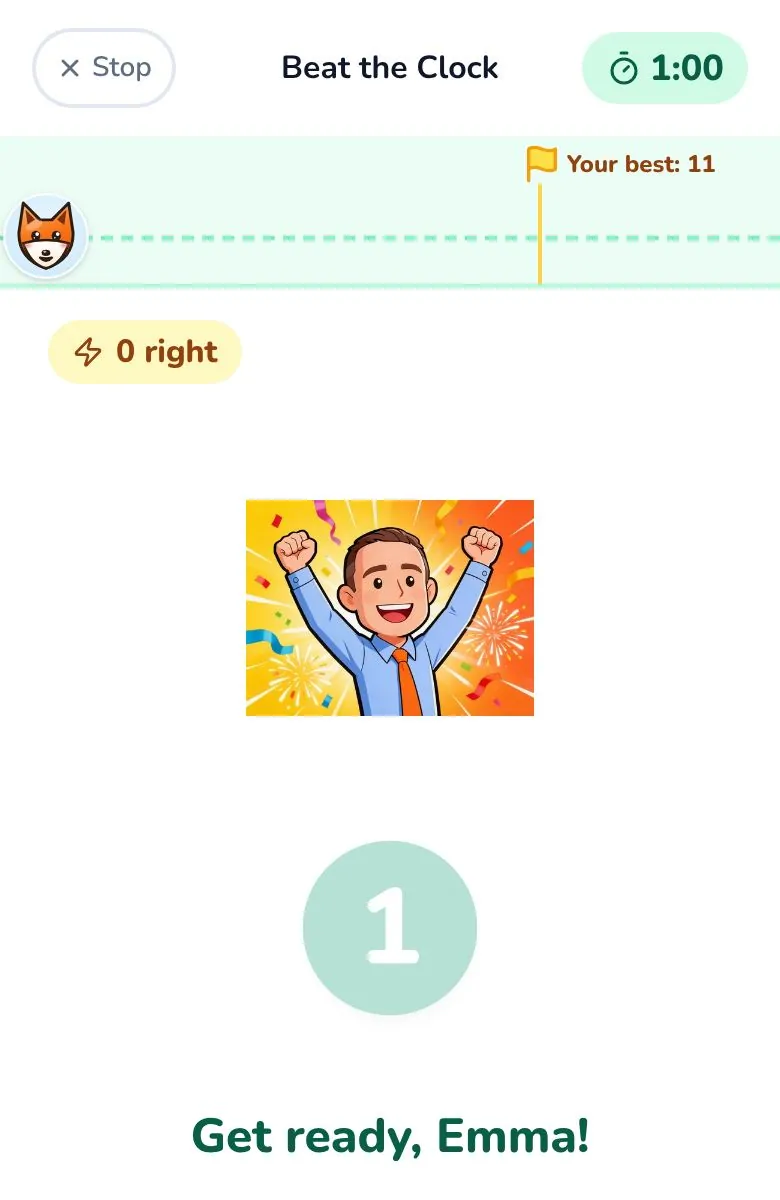
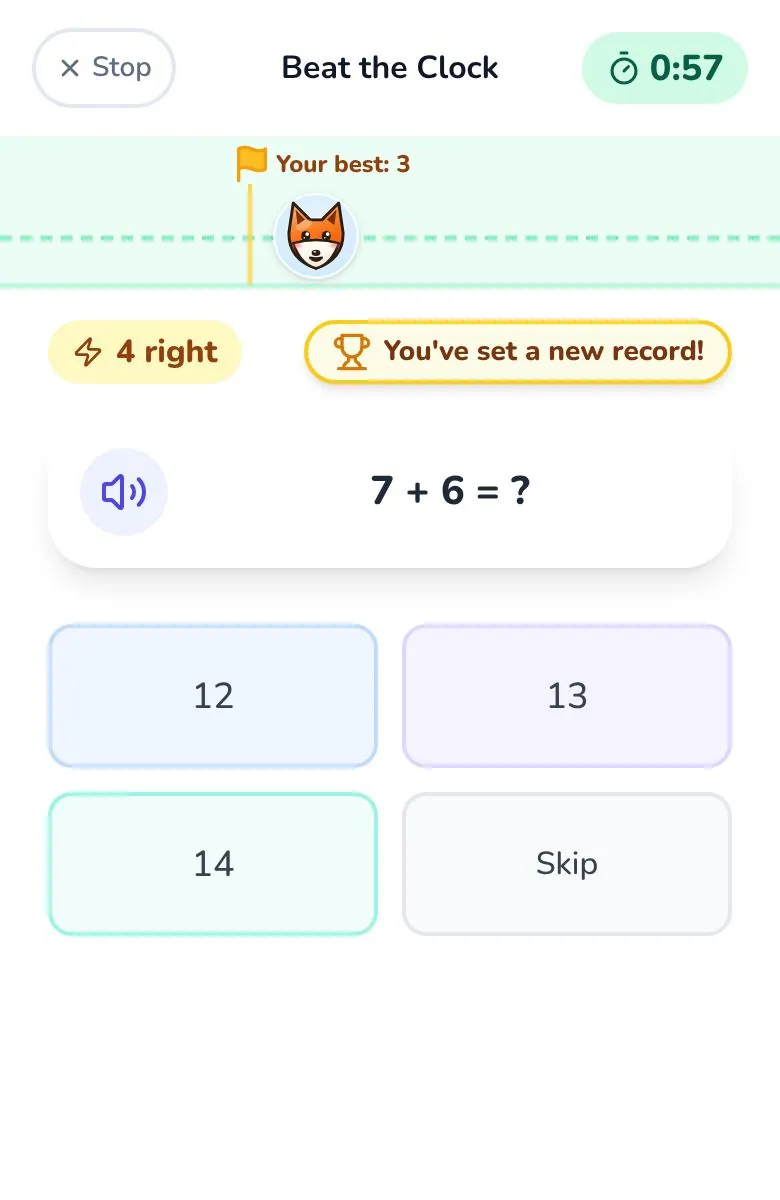
Bobby counts down 3, 2, 1, the music starts, and so does the clock. Your child's club animal runs one step for every right answer, toward a flag at their best.
4. Pass their best
The moment the animal passes the flag, a cheer plays and Bobby says, "You've set a new record!" Your child keeps racing to see how far past it they can go.
5. Celebrate
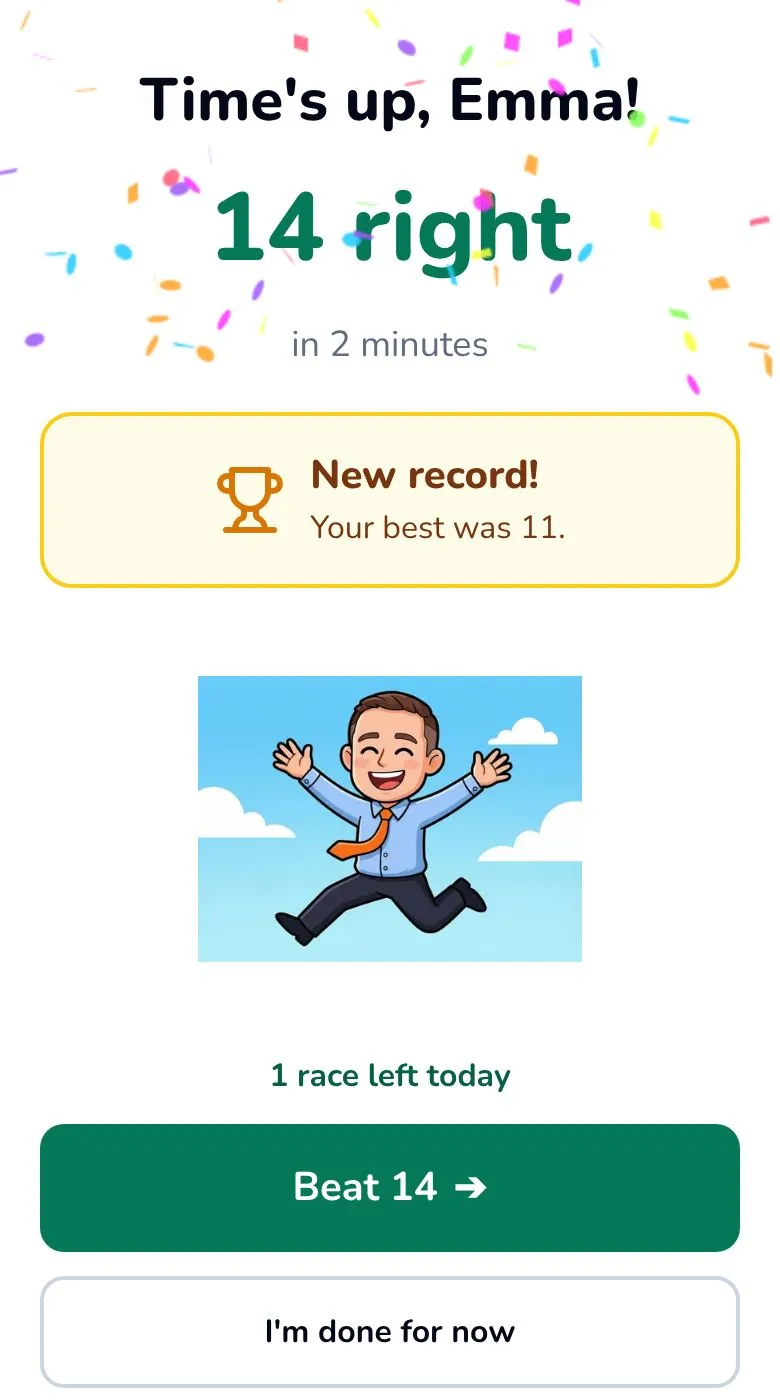
A new record gets a real party, with confetti, a fanfare, and Bobby jumping for joy. The next race names the number to beat.
6. Learn from any mistakes
After the race, your child can try the questions they missed again, with no clock, a hint if they need one, and an explanation after each.

Two races a day, so it stays a treat
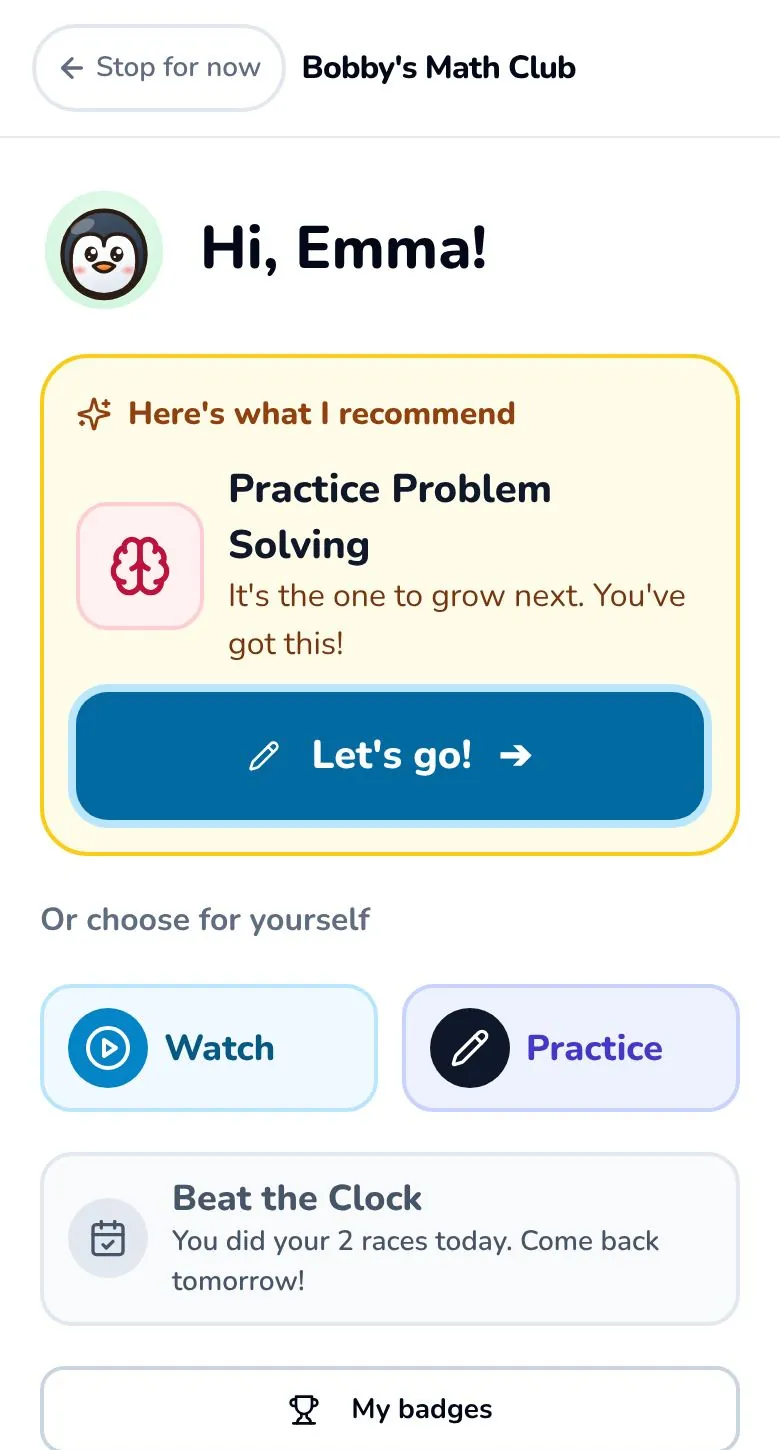
Your child gets two races a day, and the screen always tells them how many are left. After the second, their home screen says, "You did your 2 races today. Come back tomorrow!"
A record for every race, and badges to earn
Your child keeps a record for each of the nine races, from 1 minute on Easy to 3 minutes on Tricky. Empty spots say "Try it!", a friendly nudge to try something new.
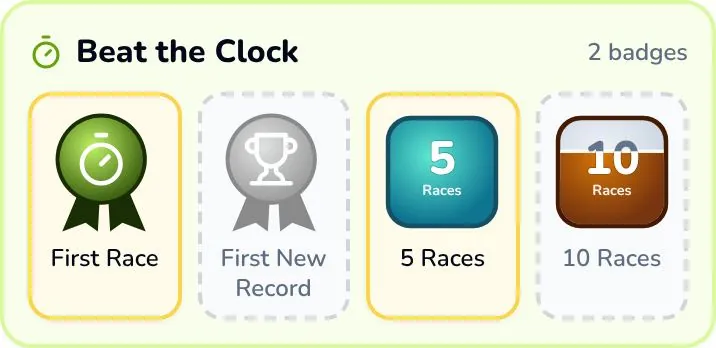
Racing earns badges of its own: First Race, First New Record, and 5, 10, 25, and 50 Races. None of them is for speed, so every child can earn every one.
Questions parents ask
Does practice have a timer now?
No. Practice never has a clock. Beat the Clock is a separate race your child can choose after practice, and only if they want to.
Can I turn it off?
Yes. Each child has a Beat the Clock switch in Settings. Turn it off and the race leaves their home screen; turn it back on whenever you like.
What if a race makes my child anxious?
Some kids find a clock stressful. That's common, and it's possible to address. A race only ever compares your child with themselves, and every race ends with a cheer. If racing isn't fun for your child right now, turn it off in Settings. Their practice is exactly the same without it.
Why only two races a day?
We want Beat the Clock to stay a treat after practice, not the main event. Two races is plenty of time to chase a record, and there's always tomorrow.
Does a race change my child's levels?
No. A race is for fun and for speed with math your child already knows. Their levels and progress reports come from practice.
Will my child see other children's scores?
Never. Your child only ever sees their own best.
Is it for every grade?
Yes, every grade in the club, PK-5. Each race is made from math at your own child's level.
Ready to race?
Join the club, add your child, and their first race is one practice away.