

It isn't always easy to know how your child is doing in math. Regular practice tells you they're showing up. A Growth Check tells you whether it's working.
Every so often, we offer each of our learners a short diagnostic assessment to see how much they've grown. These Growth Checks are 20-question quizzes, broken into two sets of 10, that give kids additional opportunities to level up. Here's how it works:
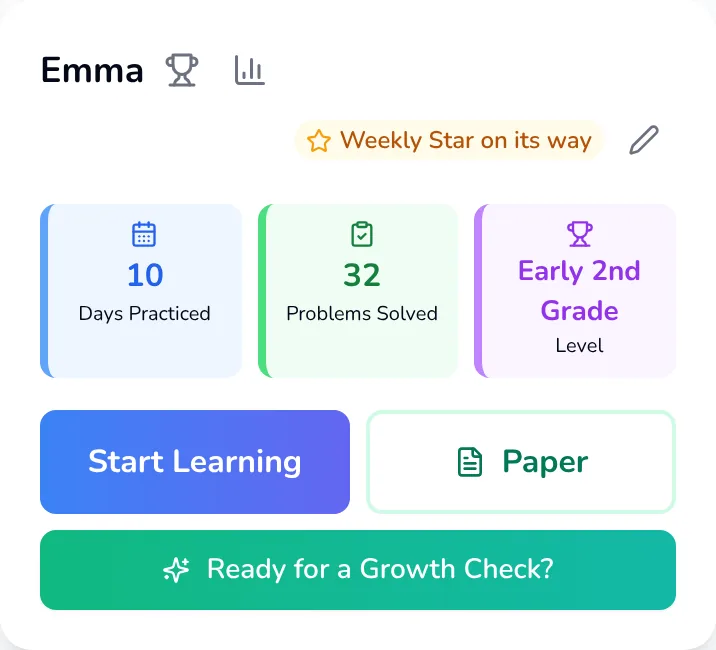
1. The Growth Check appears
Every five days of practice, your dashboard offers a Growth Check. It shows how much your child has grown since their last one (or since their initial diagnostic).
2. Your child works independently
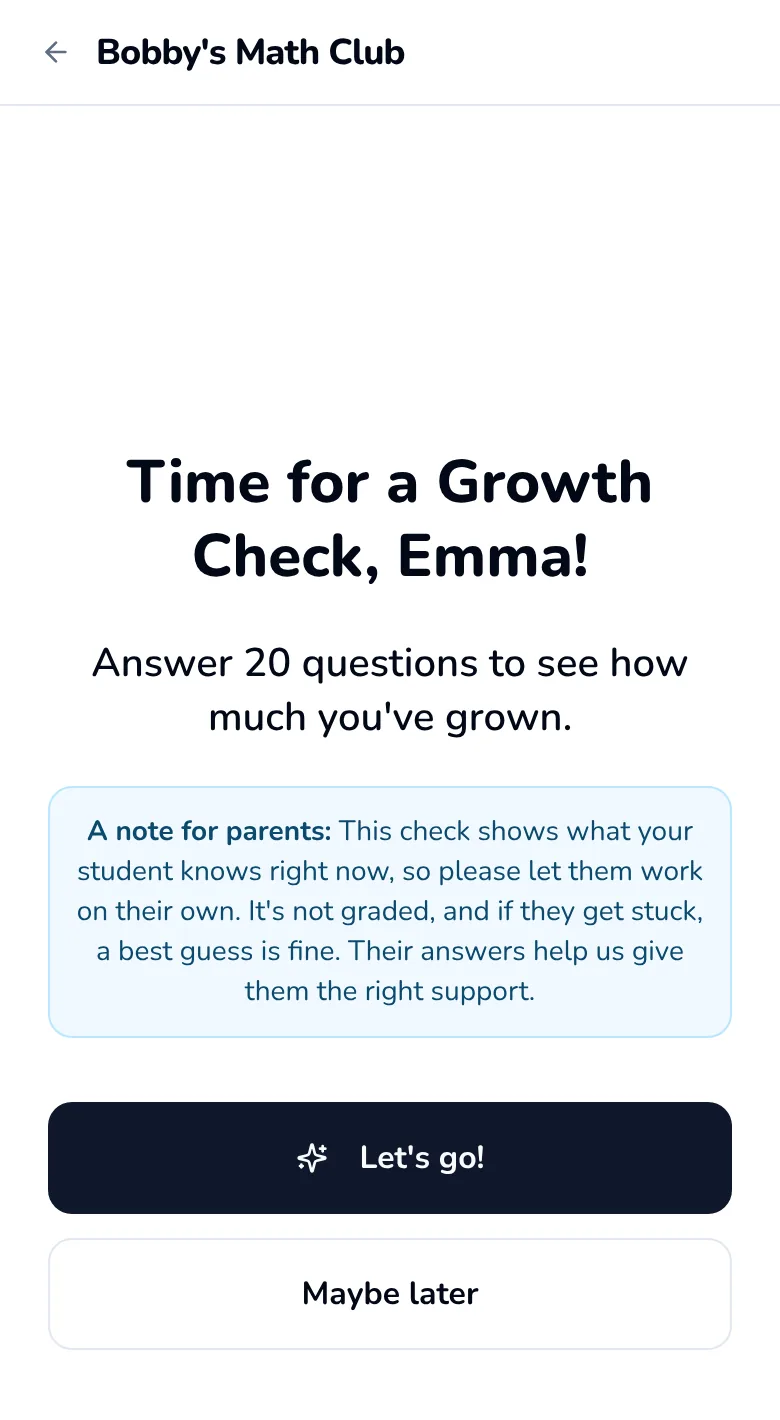
- Working alone gives the clearest picture of what your child knows right now.
- A Growth Check is like practice, but without hints.
- Your child is celebrated no matter how many questions they get right.
3. The halfway checkpoint
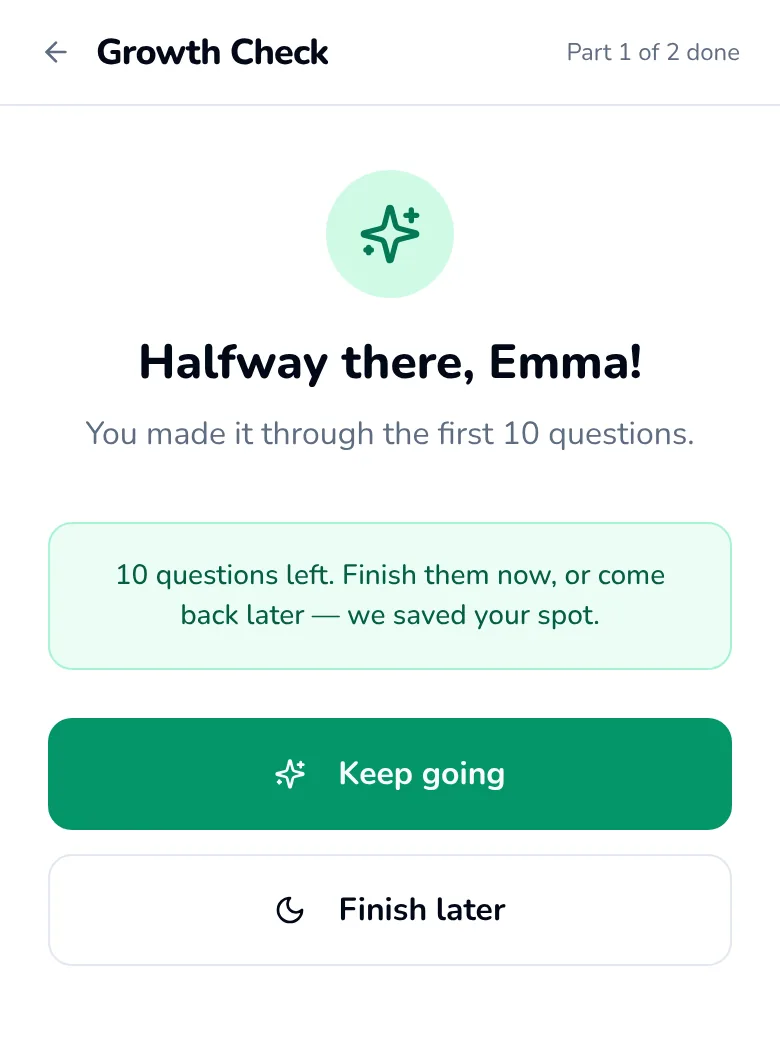
The first 10 questions cover Numbers & Place Value and Problem Solving. Children get tired, hungry and interrupted, so your child can stop at the halfway point and keep everything they've done:
- It's fine to take a break.
- Progress is saved, so your child can finish within the week.
- It's important not to push your child to do too much.
4. Growth check complete!
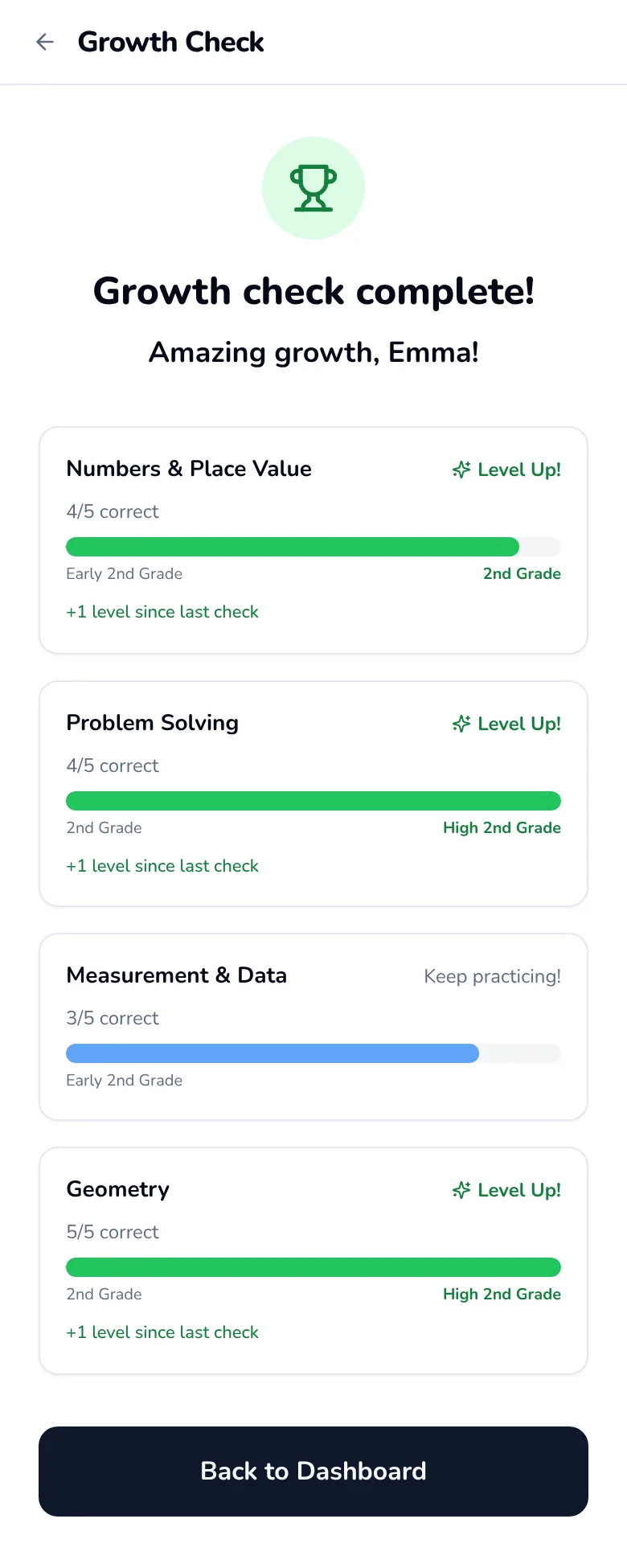
The final 10 questions are on Measurement & Data and Geometry. Then:
- Your child sees a summary of their progress.
- Your child is encouraged, whatever the result.
- You get a detailed report by email.
5. What you'll know afterward
- A report in your inbox. Each area of math, the skills your child has mastered and the ones still growing, in plain English.
- Your child's levels, in one place on your dashboard.
- Three skills to revisit, so you know where a few minutes will help most.
- Trouble spots. The questions your child keeps missing, so you can talk them through together.
- A short video for each skill, and a “Try this skill again” button that starts practice on it.
- Keep others in the loop. Anyone you invite sees the same dashboard once they accept, and can start a Growth Check too.
Prefer pencils? Paper Practice lets your child work on paper, and you check every answer before it counts.
Questions parents ask
What is a Growth Check?
A short check-up, in two parts, that shows how your child is doing in each area of math.
Is a Growth Check a test?
It's like practice, without hints, and it isn't graded. Your child is celebrated no matter how many questions they get right. Learn more about how we celebrate kids →
What if my child gets stuck?
A best guess is fine right now, and we'll make sure to identify the questions your child misses for future review. Learn more about what happens when your child makes mistakes →
Can my child finish later?
Yes. After the first 10 questions, your child can take a break and finish within the week. Progress is saved. Learn more about our recommendations for screen time →
What's in the progress report?
Your child's strengths and growing skills in each area of math, in plain English, sent to your inbox. Learn more about how we share your child's progress →
How do I know what to work on?
Your dashboard names three skills to revisit and shows the questions your child keeps missing.
Are there videos?
Many skills have a short video. After watching, tap “Try this skill again” to practice it.
Can someone else see the results?
Yes. Invite a co-parent and, once they accept, they see the same dashboard. Learn more about keeping others in the loop →